
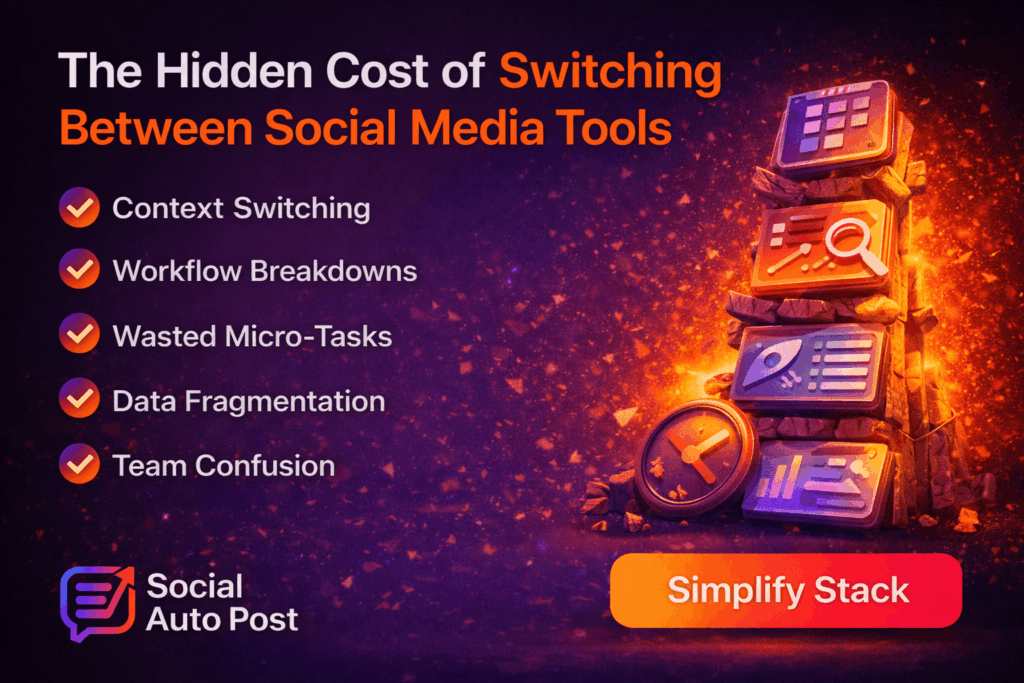
Introduction: The Productivity Trap No One Talks About
Social media tools switching is one of the biggest hidden productivity drains in modern marketing teams.
At first, the issue seems simple—scale.
You need to manage more platforms, create more content, and run more campaigns. So naturally, teams add more tools.
For example:
- One for scheduling
- One for analytics
- One for design
- One for approvals
- One for reporting
At a glance, this setup looks efficient.
However, in reality, it often creates confusion instead of clarity.
Why Social Media Tools Switching Feels Efficient (But Isn’t)
On their own, most tools work well.
However, when combined, they create friction.
Each new tool adds:
- Another login
- Another workflow
- Another point of failure
As a result, what seems like optimization quickly turns into fragmentation.
The Real Cost of Social Media Tools Switching
Switching between tools doesn’t just take time—it affects how your team works every day.
1. Context Switching Reduces Focus
Every time you switch tools, your focus drops.
For instance, you might move from writing content to checking analytics, and then jump into scheduling or approvals.
Because of this constant shifting, your brain struggles to stay focused.
As a result, teams experience:
- More mistakes
- Lower concentration
- Faster mental fatigue
2. Workflow Breakdowns Across Tools
When your workflow is spread out, things get messy.
Content may live in documents, while feedback sits in chat tools. At the same time, posts are scheduled elsewhere, and data is stored in analytics dashboards.
Because these systems don’t connect, problems appear.
For example:
- Information gets lost
- Communication breaks down
- Execution slows
3. Time Lost in Small Tasks
At first, small tasks don’t seem like a big deal.
However, they quickly add up.
These include:
- Logging into multiple tools
- Copying and pasting content
- Reformatting posts
- Uploading files again and again
Over time, these small actions waste hours every week.
4. Inconsistent Data and Reporting
When your data is split across tools, it becomes harder to trust.
For example:
- Metrics may not match
- Reports can feel incomplete
- Insights often arrive too late
Because of this, decision-making becomes slower and less accurate.
5. Increased Team Friction
Multiple tools also create confusion within teams.
People often ask:
- “Where is the latest version?”
- “Has this been approved?”
- “Which tool should we use?”
As a result, collaboration becomes slower and less efficient.
Why This Problem Gets Worse at Scale
At a small scale, switching tools feels manageable.
However, as your team grows, the problem increases.
You now handle more campaigns, more platforms, and more people. Because of this, every inefficiency multiplies.
What once took minutes can now take hours.
The Root Problem Behind Tool Switching
The real issue isn’t the tools themselves.
Instead, it’s the lack of connection between them.
Most teams work like this:
- One tool for planning
- Another for creation
- A third for scheduling
- A fourth for analytics
Since these tools don’t work together, teams spend more time managing systems than executing ideas.
How to Reduce Social Media Tools Switching
Instead of adding more tools, successful teams simplify their setup.
Step 1: Map Your Workflow
Start by understanding your process.
Identify where content begins, how it moves, and where it slows down.
This step helps you spot inefficiencies quickly.
Step 2: Remove Redundant Tools
Next, review your tools carefully.
Ask yourself:
- Which tools overlap?
- Which steps can be combined?
Then remove anything that doesn’t add clear value.
Step 3: Centralize Your System
An effective system should bring everything together.
This includes:
- Planning
- Creation
- Scheduling
- Analytics
When everything is in one place, your workflow becomes much smoother.
Step 4: Automate Transitions
Instead of moving content manually, let your system handle it.
For example, content can move from creation to scheduling automatically.
As a result, you reduce errors and save time.
Step 5: Standardize Processes
Finally, create a single workflow that everyone follows.
This removes confusion and keeps your team aligned.
What a Simplified Workflow Looks Like
A modern system is simple and connected.
It includes:
- One dashboard
- One content calendar
- One workflow
- One analytics view
Because everything works together, teams move faster and with more clarity.
Where SocialAutoPost Fits
SocialAutoPost is built to remove social media tools switching completely.
Instead of using multiple tools, you can manage everything in one place.
This includes:
- Planning
- Publishing
- Collaboration
- Analytics
As a result, your team spends less time switching—and more time creating.
What Changes When You Simplify
When you reduce tool switching, the impact is immediate.
- You save time
- You stay focused longer
- You work faster
- You get better results
The Key Mindset Shift
Here’s the key idea:
More tools don’t mean more productivity.
In fact, they often create more problems.
So instead of building a bigger stack, focus on building a better one.
Final Thoughts: Simplicity Scales
The most effective teams keep things simple.
They rely on:
- Clear workflows
- Connected systems
- Efficient processes
Because in the end, simplicity helps you scale—while complexity slows you down.
🚀 CTA: Simplify Your Stack
If your team is constantly switching between tools, it’s time for a change.
Use SocialAutoPost to simplify your workflow and scale without the chaos.